> For the complete documentation index, see [llms.txt](https://docs.scholars.net/llms.txt). Markdown versions of documentation pages are available by appending `.md` to page URLs; this page is available as [Markdown](https://docs.scholars.net/info/onboarding.md).
# Onboarding
After [creating your account](/how-to/create-your-account.md), you'll be shown an onboarding form. In this form, you'll be asked to upload your resume and fill other basic details, including the languages you know, to complete your profile.
Completing the onboarding flow is optional, you can skip it by clicking on the "Skip Onboarding" button on the top right. You can then fill in this information later.
However, please note that **the more complete your profile, the higher the chances you will be selected for a project**. Empty profiles are almost never selected for projects.
### Onboarding steps
{% hint style="info" %}
Ensure you enter real information about yourself.
Entering intentionally misleading or fraudulent information will result in immediate and permanent termination.
{% endhint %}
{% stepper %}
{% step %}
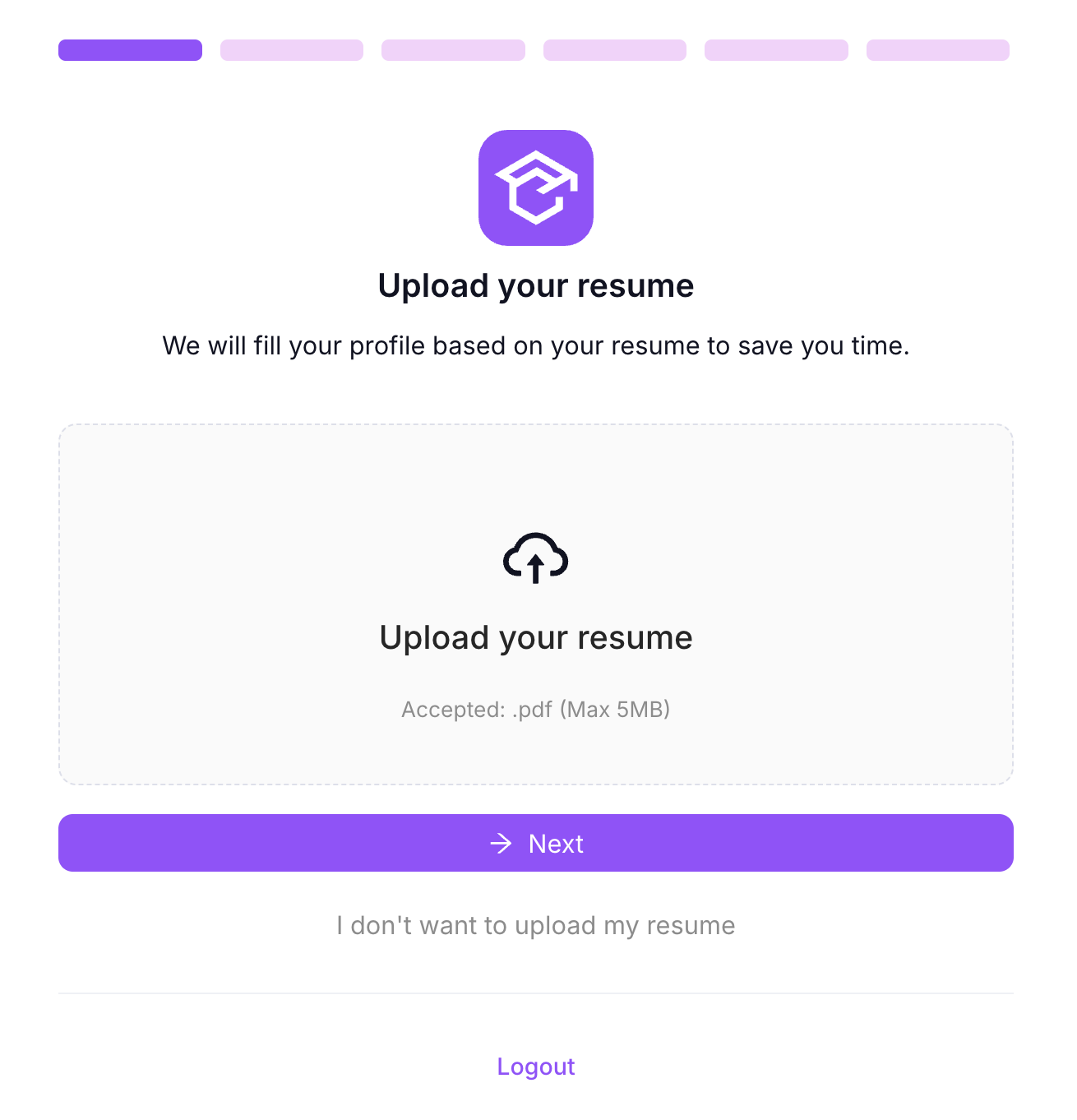
### Resume upload
Drag and drop, or click to open the file picker and upload your resume/CV.
Scholars will fill in your profile for you automatically based on the contents of your resume. You'll have a chance to review your profile in the next step.
If Scholars cannot read the resume, try another PDF with readable, selectable text. If you prefer to continue without a resume, click "I don't want to upload my resume" and enter your education and work information manually later.
{% endstep %}
{% step %}
### Fill in basic identity information
Enter your name, surname, email, country of work, and cellphone number. All of these fields are mandatory. Your country of work is where you are legally permitted to work.
If you have uploaded a resume, these fields may be filled in for you already.
Scholars may automatically clean up the capitalization of your name and surname after you leave each field or continue to the next step.
Only supported countries can be selected. If your country of work is not available, Scholars cannot currently support onboarding from that country.
Click on "→ Next" to proceed.
{% endstep %}
{% step %}
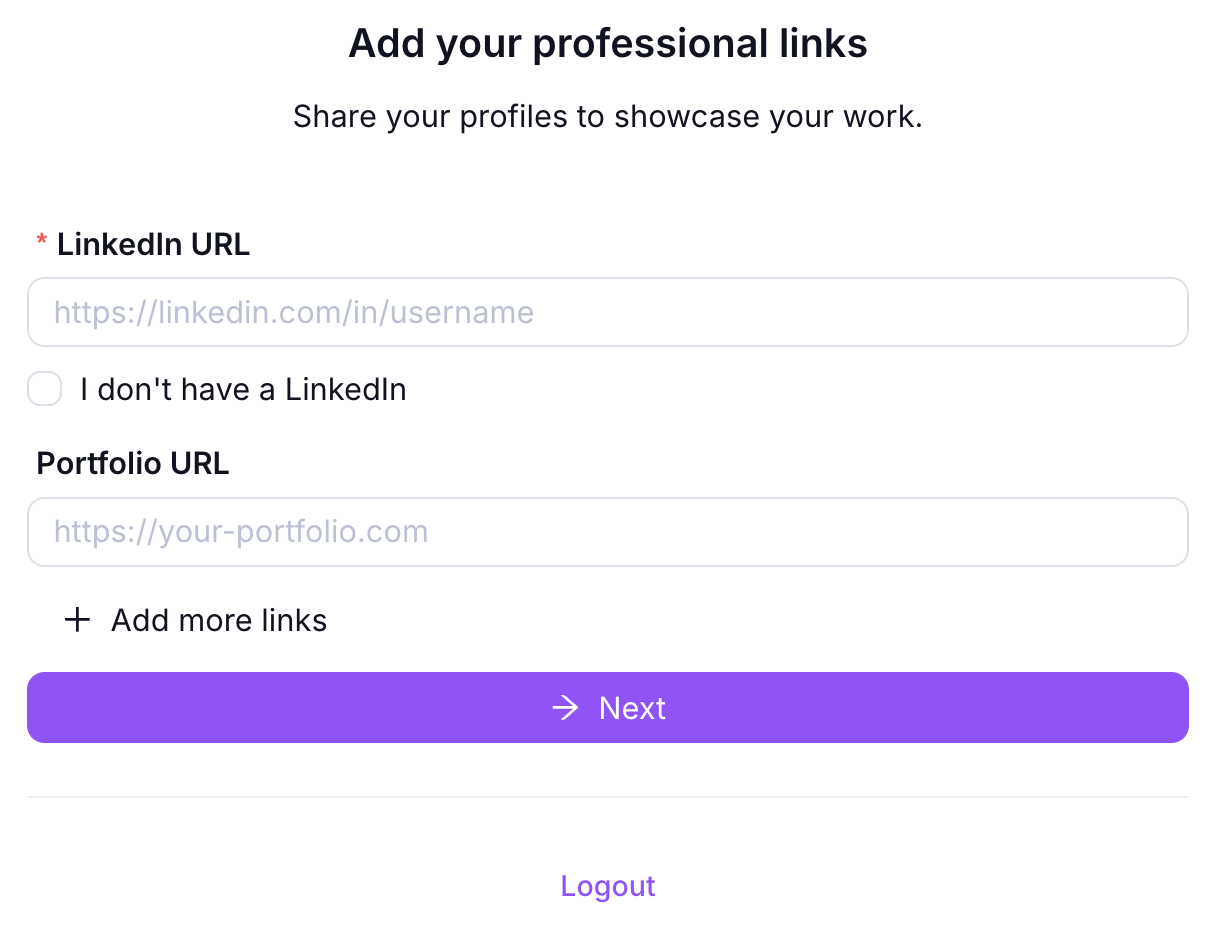
### Enter your professional information
If you have a LinkedIn profile, please enter its URL. You may also link to your portfolio, personal website, or any other link containing information about you and your work.
Click on "→ Next" to proceed.
{% endstep %}
{% step %}
### Add your languages
Select at least one language you know and choose a starting proficiency level for that language. Scholars applies that level to *Listening*, *Speaking*, *Writing*, and *Reading*. You can then adjust each of the four levels individually.
The available levels include CEFR levels A1 through C2 and *Native*. *Native* is separate from C2: use *Native* when you are a native speaker of the language, and use C2 for the highest CEFR proficiency level.
You can add more languages by clicking "+ Add language." Each language can only be selected once, and every language row must include a language and all four proficiency levels before you continue.
Click on "→ Next" to proceed.
{% endstep %}
{% step %}
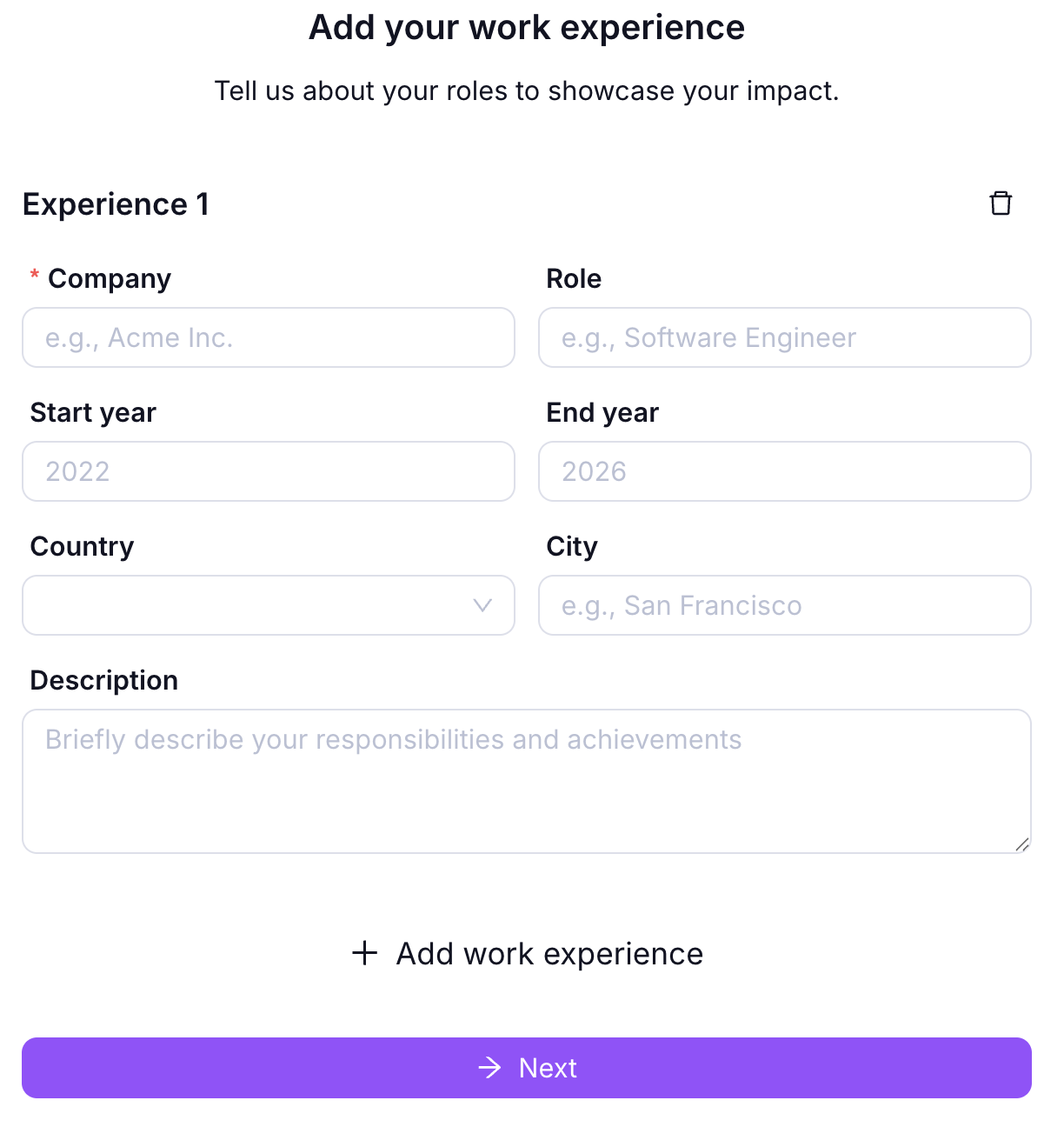
### Enter your work experience
If you have uploaded a resume, this section will have been filled in for you.
Otherwise, please enter your work experience, one position / role at a time.
Fill in a position by entering the company, role, start and end years, country, and city, then a description. Then, click on "+ Add work experience" to add as many other positions as necessary.
{% hint style="info" %}
If you have no work experience, click on the trash can next to Experience 1 and click on Next.
{% endhint %}
Click on "→ Next" to proceed.
{% endstep %}
{% step %}
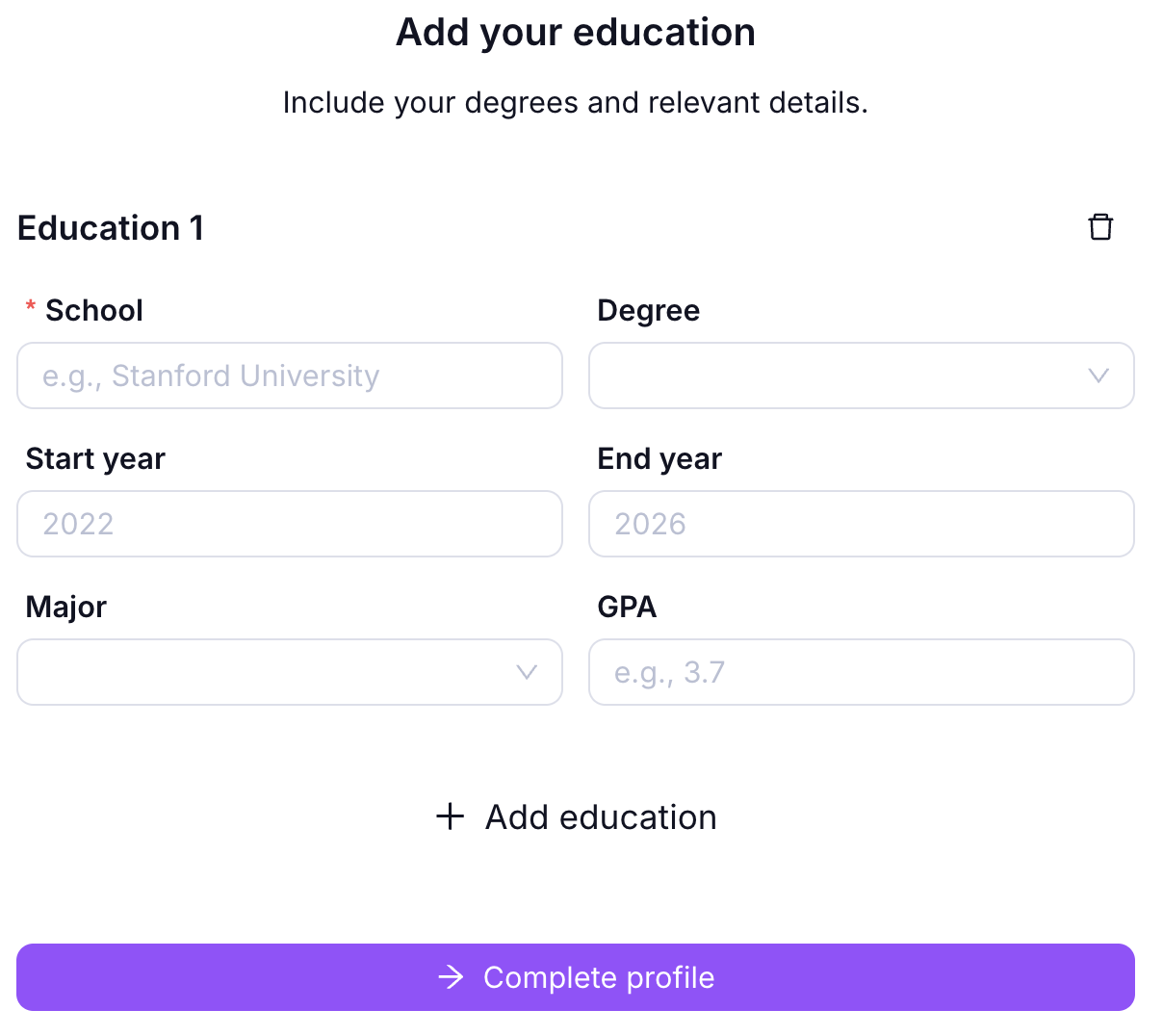
### Enter your education information
In the same way, enter your education history.
Click on "Complete profile" when you are done. You will be redirected to the identity verification step.
{% endstep %}
{% step %}
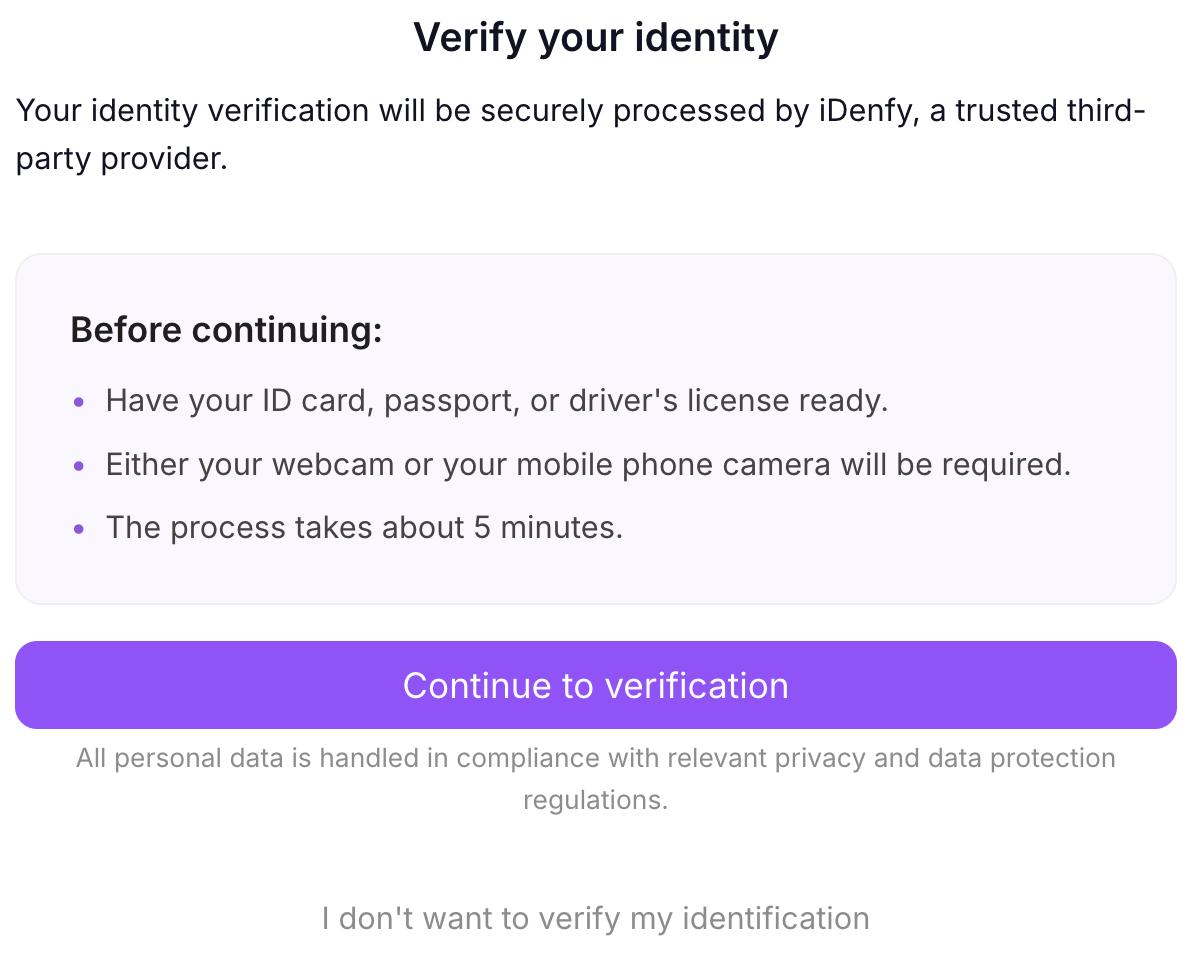
### Verify your identity
At this point, your profile has been created. However, we strongly recommend you also complete the identity verification step.
Click on "Continue to verification" to verify your identity. This helps us make sure it's really you, and it will unlock project opportunities.
You may skip verification for now by clicking on "I don't want to verify my information". You'll be able to do it at a later time.
Scholars without a verified identity are unlikely to be selected for projects.
Read more about identity verification [here](/how-to/verify-your-identity.md).
{% endstep %}
{% endstepper %}
## Next steps
{% content-ref url="/pages/nUsEKJrUdimzlWrvBLf5" %}
[Verify your identity](/how-to/verify-your-identity.md)
{% endcontent-ref %}
## Frequently asked questions
Do I need to complete my profile to apply to projects?
No. However, the fuller your profile, the higher the chances you will be selected for one.
Who can see my profile information?
Your information is shared with Scholars project managers and clients for evaluation and matching. Your contact information will only ever be used for communication related to employment.
Can I edit my profile later if I skip the onboarding form?
Yes.